Что делать, если приложение из App Store требует новую версию iOS или как установить последнюю совместимую версию приложения для вашего iPhone и iPad

Каждый год после презентации новых iPhone, компания Apple выпускает и новую мобильную систему iOS. Разработчикам, для стабильности работы своих приложений в новой системе, также приходится вносить изменения и выпускать новые апдейты своих продуктов в App Store. Со временем старые версии iOS перестают поддерживайся как Apple, так и разработчиками приложений. И если Вы обладатель моделей iPhone и iPad, которые работают не на последних версиях iOS, то запросто столкнетесь с проблемой установки некоторых приложений и игр.
Каждый разработчик в App Store для своего приложения устанавливает минимальные требования (устройство и версия операционной системы), и если Вы захотите установить приложение, а ваша версия iOS будет ниже минимальной, тогда Вы увидите такое сообщение:
«Для данного контента (приложение) требуется iOS 8 (здесь может быть указана любая версия iOS) или новее»

Что нужно, чтобы загрузить приложение из App Store для iOS неподдерживаемых устройств (iPhone и iPad со старой версией iOS)
Если у вас появилось подобное предупреждение, не стоит расстраиваться, выход есть! К сожалению, установить самую последнюю версию приложения у вас не получится, а вот загрузить предыдущую, совместимую именно с вашей iOS, можно.
У вас есть два варианта скачать и установить приложение на неподдерживаемую iOS:
- Загрузить/купить приложение под своим Apple ID на iPhone и iPad с более новой/последней версией iOS, а потом перейти к Шагу 5 данной инструкции
- Воспользоваться для загрузки/покупки компьютером
Для второго варианта вам потребуется:
- компьютер с macOS или Windows c доступом в Интернет;
- установленная программа iTunes версии 12.6.5;
- учетная запись Apple ID, которая используется на устройстве с активированной функцией iCloud (ее можно включить в настройках iPhone или iPad).
ВАЖНО! C выходом iOS 11 и обновлением iTunes до версии 12.7, Apple убрала из медиакомбайна магазин приложений App Store и теперь приложения можно скачивать только на устройстве с iOS — iPhone, iPad, iPod Touch. Поэтому вам нужно установить последнюю версию программы с App Store — это iTunes 12.6.5, скачать ее можно отсюда. О том, как удалить iTunes читайте в следующей статье. Чтобы проверить установленную у вас версию:
- для macOS — в строке меню нажмите «iTunes» → «О программе iTunes»
- для Windows — выберите «Справка» → «О программе iTunes»
Как установить приложение из App Store, которое требует новую версию iOS
- Запустите на своем Mac или Windows компьютере программу iTunes
- Войдите под своим аккаунтом Apple ID

- Перейдите в раздел «Программы» → AppStore и найдите нужное вам приложение или воспользуйтесь поиском


В iOS 11 и выше, нужно нажать на иконку вашей учетной записи, она находится в верхнем правом углу во всех разделах, кроме «Поиск»


Если у вас по какой-то причине в разделе «Покупки» на iPhone/iPad не отображаются совершенные покупки, тогда воспользуйтесь поиском в App Store. Найдите приложения, которые Вы приобрели в iTunes на компьютере или другом iOS-устройстве с помощью своего Apple ID и нажмите кнопку Загрузить
К сожалению, не все приложения возможно установить данным способом. Например, если у вас гаджет с iOS 7, а минимальная доступная версия для загрузки предназначена для iOS 10, то, вероятнее всего, у вас ничего не получится. В таком случае, вам нужно воспользоваться следующей инструкцией.
После загрузки приложения на компьютере, файл можно удалить из «Медиатеки» iTunes, это все равно версия, которая вам не подойдет.
Расскажите своим друзьями об этом лайфхаке, поделившись ссылкой на своей станице в соц.сетях и подписывайтесь на наши страницы в Facebook, Twitter или Вконтакте
Get apps from Microsoft Store on your Windows PC
If you’re moving from a Windows 7 or Windows 8.1 PC to a new Windows device, you’ll find that the best way to get apps and games is through Microsoft Store. Microsoft Store is familiar on any device—you can search for free and paid apps like Adobe Reader, view their popularity and ratings, and download them to your device.
When you install an app from Microsoft Store, it will follow you to any device. Apps will also get updated automatically, so you always have the latest features. Here’s how to download apps and games so you can get up and running right away.
To get a game or app from Microsoft Store:
- To see more of any category, select Show all at the end of the row.
- Select the app or game you’d like to download, and then select Get.
- Sign in with your Microsoft account to finish downloading your app or game. No Microsoft account? Sign up for a free Microsoft account.
Want to make it even easier to get premium apps?
Try Microsoft 365 to get premium versions of Word, Excel, PowerPoint, Outlook, and more. Microsoft 365 is a cloud-based subscription service that combines the latest AI-powered apps, so you can create and share anywhere, on any device.
App Store

The apps you love.
From a place you can trust.
For over a decade, the App Store has proved to be a safe and trusted place to discover and download apps. But the App Store is more than just a storefront — it’s an innovative destination focused on bringing you amazing experiences. And a big part of those experiences is ensuring that the apps we offer are held to the highest standards for privacy, security, and content. Because we offer nearly two million apps — and we want you to feel good about using every single one of them.
Designed for discovery.
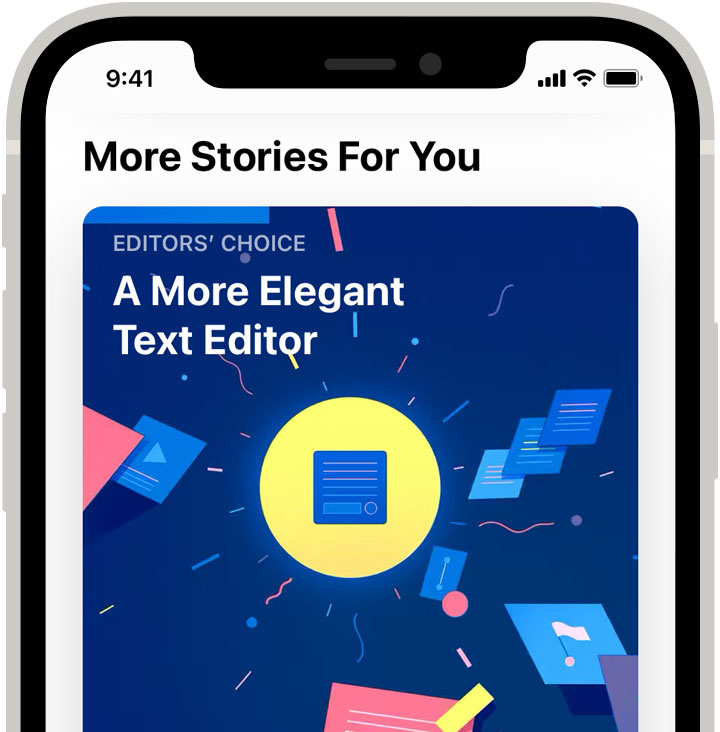
Stories and collections that inform, help, and inspire. Updated daily.
More about Stories and collections that inform, help, and inspire. Updated daily.
Stories and collections that inform, help, and inspire. Updated daily.
Original stories by our editorial team bring you everything from exclusive world premieres to behind-the-scenes interviews. Tap the Today tab and read about influential developers and game creators, learn a few tips and tricks, or see how apps are changing how people work, play, and live.
Over 20K stories and counting.
Curated by experts. Handpicked for you.
More about Curated by experts. Handpicked for you.
Curated by experts.
Handpicked for you.
With thousands of apps added to the App Store every week, there’s always something new to check out. To help you discover the apps, stories, and games you’re sure to love, our team of full-time editors offers personalized suggestions based on your preferences and previous purchases.
Stream Jungle Cruise Today on Disney+ *
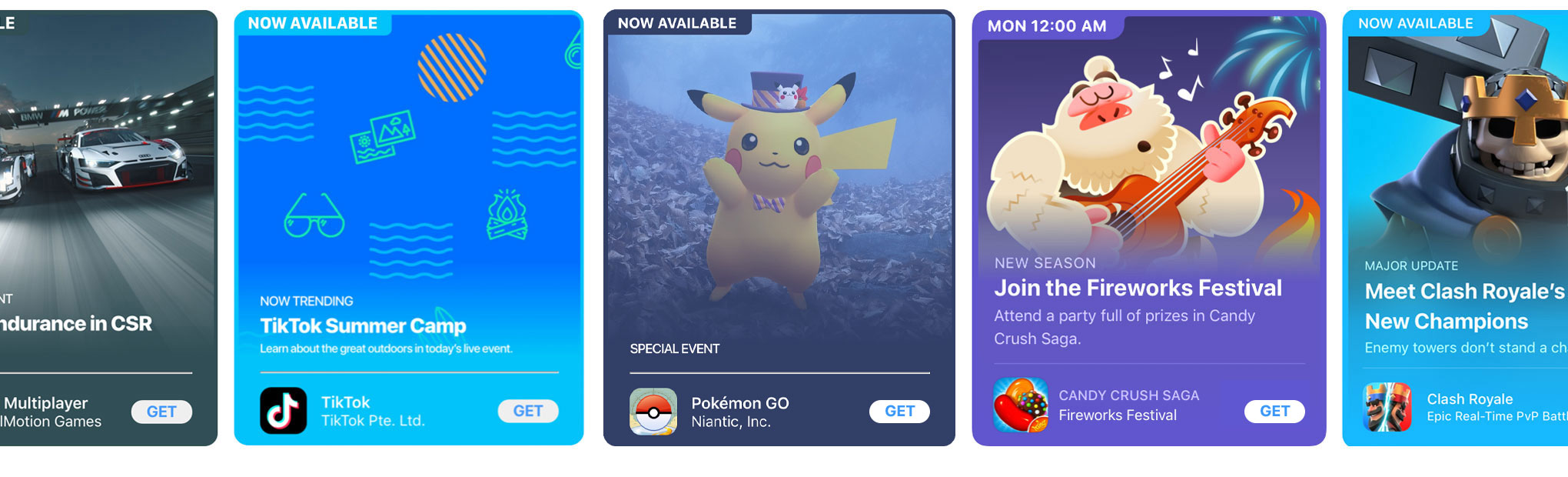
Explore in-app events like movie premieres, gaming competitions, and livestreams.
More about Explore in-app events like movie premieres, gaming competitions, and livestreams.
Explore in-app events like movie premieres, gaming competitions, and livestreams.
Discover events on the Today, Games, and Apps tabs on the App Store. Or find them via search and on app product pages.

Discover amazing apps with a rich search experience.
More about Discover amazing apps with a rich search experience.
Discover amazing apps with a rich search experience.
Our comprehensive search feature offers suggestions and helpful hints, and provides results with in‑line video previews, editorial stories, tips and tricks, and lists.
1.8M apps available worldwide.
175 storefronts in over 40 languages.
Over 150 expert editors worldwide.
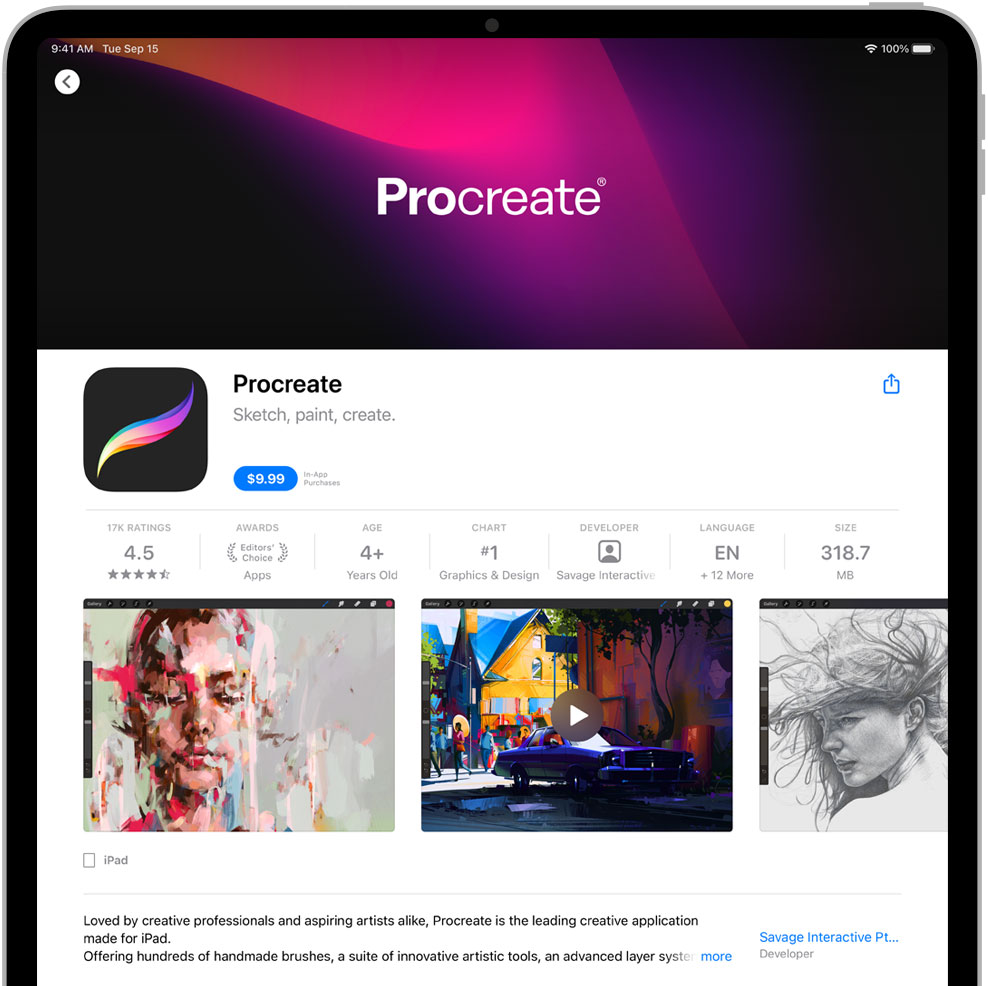
Get the details on every app.
More about Get the details on every app.
Get the details on every app.
App product pages give you the information you need when deciding what to download. From more videos to rankings and reviews, there are loads of ways to help you pick the app that’s right for you.
Privacy and security.
Built into everything we do.
Security for every app. At every level.
More about Security for every app. At every level.
Security for every app.
At every level.
We ensure that apps come from known sources, are free of known malware, and haven’t been tampered with at the time of installation or launch.
100% of apps are automatically screened for known malware.
Over 16K apps use Apple health technologies like HealthKit, CareKit, and ResearchKit designed to protect patient privacy.
You choose what data to share. And with whom.
More about You choose what data to share. And with whom.
You choose what data to share. And with whom.
Each app is required to ask for your permission so you can choose what data to share. The first time a third‑party app wants to access your information — like your location, contacts, calendars, or photos — you receive an alert. Even if you grant access once, you can revoke it later. We also ensure that apps are denied access to certain sensitive data on your device, are unable to modify your device or OS, and are prohibited from obtaining complete access to your data.
Over 215K submissions rejected last year for violating privacy guidelines.
Apps can’t pull your data from other apps.
More about Apps can’t pull your data from other apps.
Apps can’t pull your data from other apps.
System-level protections prevent an app from accessing data from other apps without your explicit permission.
Dedicated to trust and safety.
Apps must adhere to our guidelines.
More about Apps must adhere to our guidelines.
Apps must adhere to our guidelines.
When you download an app, it should work as promised. Which is why human App Reviewers ensure that the apps on the App Store adhere to our strict app review standards. Our App Store Review Guideflines require apps to be safe, provide a good user experience, comply with our privacy rules, secure devices from malware and threats, and use approved business models.
Every week, over 500 dedicated experts around the world review over 100K apps.
Over 1M submissions rejected for objectionable, harmful, unsafe, or illegal content.

You should never have to worry about inappropriate content.
More about You should never have to worry about inappropriate content.
You should never have to worry about inappropriate content.
We strongly support all points of view being represented on the App Store. But we also take steps to make sure apps are respectful to users with differing opinions, and we reject apps with any content or behavior that we believe is over the line — especially when it puts children at risk. Every app has an assigned age rating, so parents can determine what is appropriate for their children.
No surprise purchases.
More about No surprise purchases.
No surprise purchases.
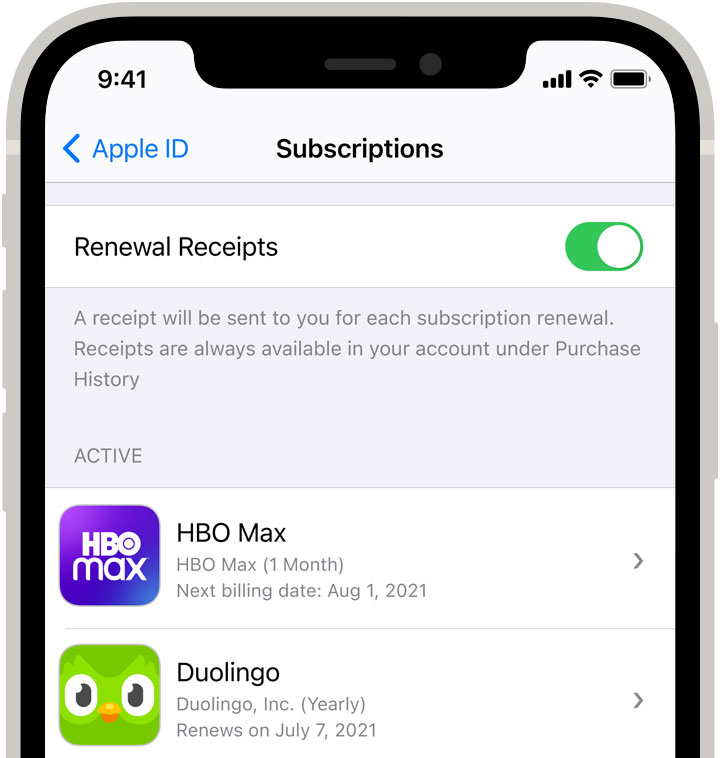
Apps must follow an approved business model and clearly show you the price, tell you what you get with your purchase, and explain subscription-renewal terms up front. Apple sends a receipt each time you use our in‑app purchase feature, and you can also view those purchases and subscriptions in your account. So you won’t get bills out of the blue.
Every day, moderators review worldwide App Store charts for quality and accuracy.
In 2020, we removed over 80M user reviews that were considered spam.
We have removed over 2.3M apps because they haven’t been updated or don’t work on our latest OS releases.
Hardware and software. Powering amazing experiences together by design.
Apps help unlock the full potential of your Apple devices.
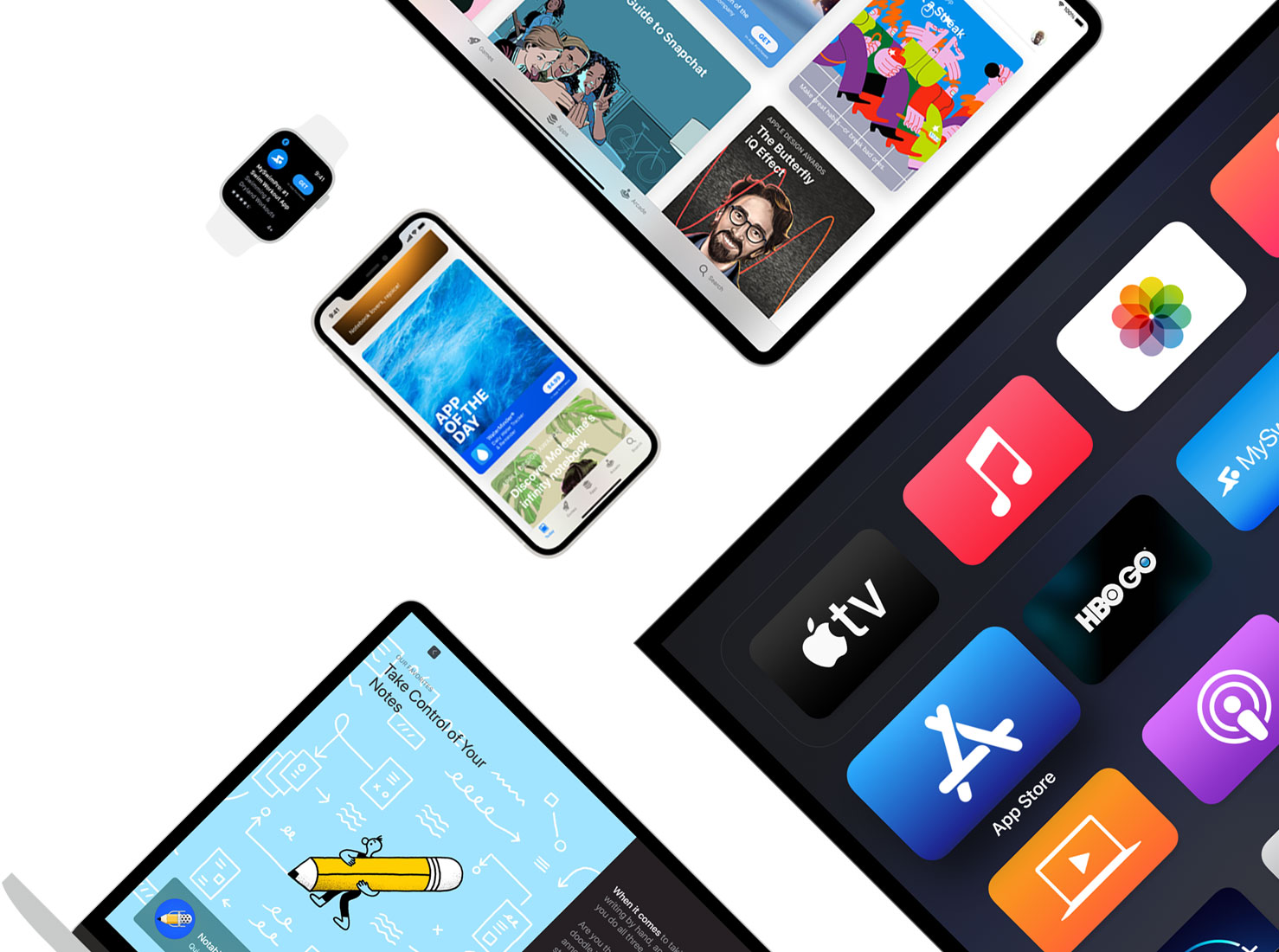
More about Apps help unlock the full potential of your Apple devices.
Apps help unlock the full potential
of your Apple devices.
Apple products use industry-leading technology to bring apps to life — so you can experience more of the amazing things your devices are capable of. Thanks to hardware and software designed to work together, you get more out of your apps — from things you take for granted, like supersmooth scrolling, to seeing how a new sofa might look in your living room before you buy it.
We help app developers take advantage of our latest hardware technologies.
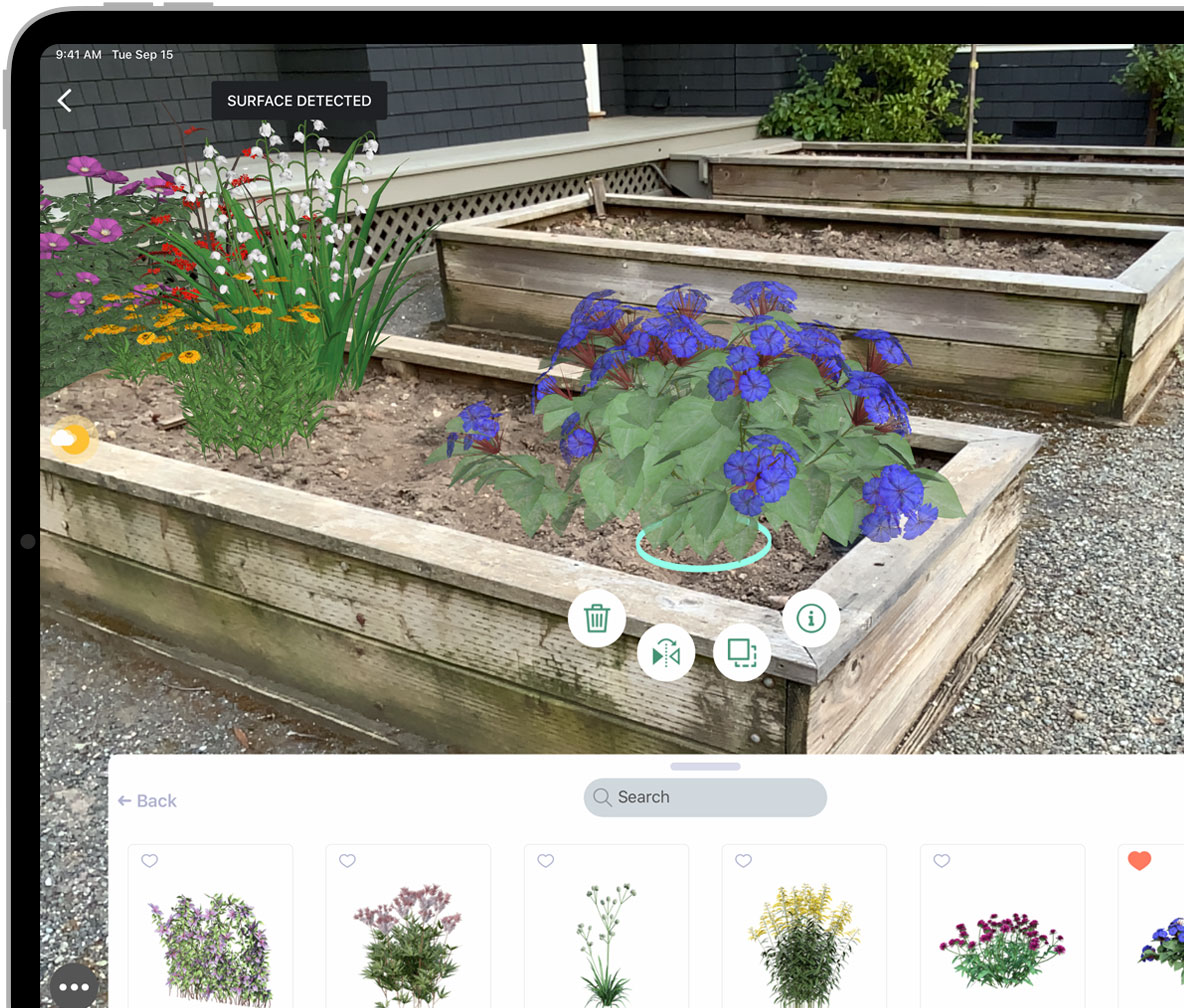
More about We help app developers take advantage of our latest hardware technologies.
We help app developers take advantage
of our latest hardware technologies.
We give developers the tools and support to build cutting‑edge technologies into their apps right away — which means they’re yours to enjoy right away. Like when an app uses Face ID or Touch ID for secure access — while keeping the underlying authentication data from your face or fingerprint private. Or when a game controller syncs up easily with a new game on your iPhone. And with our innovations in augmented reality and machine learning, you’ll be seeing even more amazing features in the years to come.
Download with confidence.
Make any app yours. Instantly.
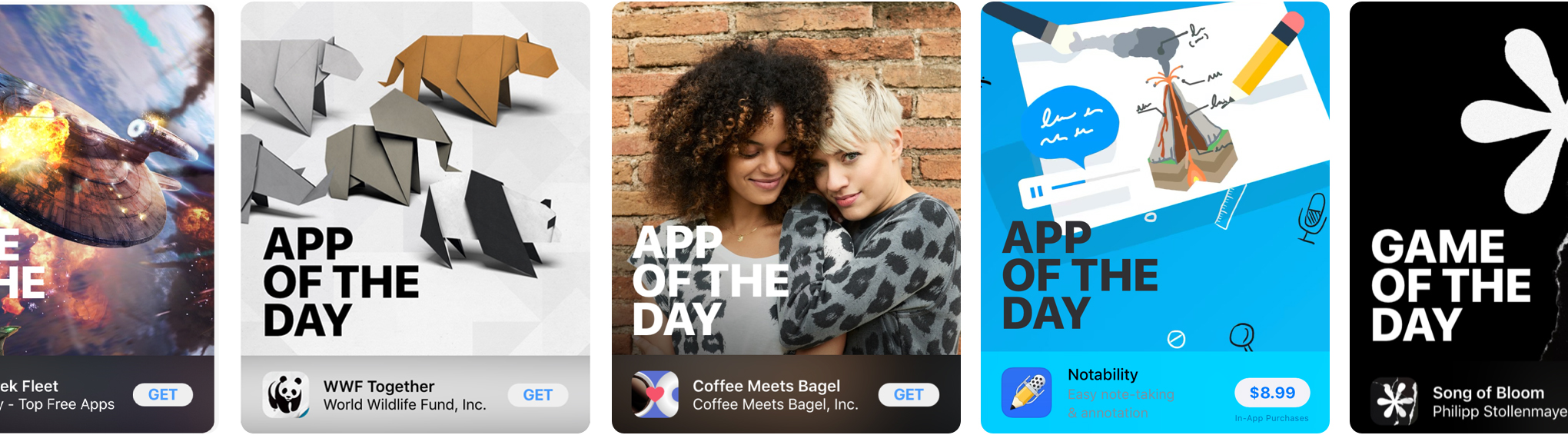
More about Make any app yours. Instantly.
Make any app yours. Instantly.
Our world‑class distribution platforms reach over 1.5 billion devices worldwide, allowing users to buy and download apps without lags or drags. When you download a universal app on one device, it automatically appears on your other devices. And if you upgrade to a new device, your apps go with you — no need to redownload as long as your apps stay up to date.
Over 900K apps have secure payment technologies like StoreKit for goods and services.

Purchase safely and securely.
More about Purchase safely and securely.
Purchase safely and securely.
App Store purchases are safe and simple, so you can start playing, gaming, reading — or just doing — right away. Create a secure account with your preferred payment method on file and it’s easily accessible across your devices and the web. Your account is protected by two‑factor authentication, ensuring that the only person who can access your account is you — even if someone else knows your password. And more than 250,000 apps tap into the advanced technologies of Touch ID and Face ID built right into your devices, giving you an additional layer of security.

Problem with an app? Easily report it from the App Store.
More about Problem with an app? Easily report it from the App Store.
Problem with an app? Easily report it from the App Store.
In the unlikely event that you have a problem, you can report it directly from the app product page on the App Store.
Need a refund? AppleCare has your back.

More about Need a refund? AppleCare has your back.
Need a refund? AppleCare has your back.
Contact AppleCare online, by phone, or by email, and one of over 5000 team members will assist you with the refund process.
Как скачать приложения AppStore бесплатно
В создании этой статьи участвовала наша опытная команда редакторов и исследователей, которые проверили ее на точность и полноту.
Команда контент-менеджеров wikiHow тщательно следит за работой редакторов, чтобы гарантировать соответствие каждой статьи нашим высоким стандартам качества.
Количество просмотров этой статьи: 210 790.
В этой статье:
Из данной статьи вы узнаете, как в App Store искать и загружать бесплатные приложения для iPhone и iPad. Запомните: бесплатно скачать платное приложение через App Store нельзя.

Откройте приложение App Store

. Нажмите на значок в виде белой буквы «A» на синем фоне.

- На некоторых iPad нужно коснуться строки поиска в правом верхнем углу экрана. В этом случае пропустите следующий шаг.

Коснитесь строки поиска. Она находится в верхней части экрана. Откроется экранная клавиатура.

- Например, если вы ищете приложение для рисования, введите рисование .

Нажмите Найти . Эта синяя кнопка находится на клавиатуре. Начнется поиск по введенному слову или фразе, а затем на экране отобразится список найденных приложений.

Выберите приложение. Прокрутите список с результатами поиска и найдите в нем нужное приложение. Затем нажмите на имя приложения, чтобы открыть его страницу.

Коснитесь Загрузить . Это синяя кнопка в правой части страницы.

- Если для App Store такой идентификатор не настроен или на устройстве вообще нет сенсора Touch ID, введете свой пароль Apple ID, а затем нажмите «Установить», когда будет предложено.

- Чтобы остановить загрузку приложения, нажмите на квадрат.

- Также приложение можно открыть, если нажать на его значок на главном экране устройства.
- Есть и другие способы загрузки приложений, для которых требуется взломать iPhone, но начиная с iOS 10.3 и iPhone 7 взломать устройство довольно сложно. Если на вашем устройстве установлена операционная система, которую можно взломать, воспользуйтесь Cydia, чтобы найти и скачать бесплатное приложение.
Предупреждения
- Некоторые платные приложения становятся бесплатными по истечении определенного времени (но только некоторые). Бесплатное скачивание платных приложений (без помощи App Store) считается незаконным.
Дополнительные статьи

установить скачанную с торрента игру

скачивать игры через торрент

скачивать и открывать торрент файлы

ускорить загрузку торрентов в uTorrent

увеличить скорость скачивания

безопасно скачивать торренты

увеличить число пиров в uTorrent

использовать облачное хранилище MEGA

скачивать торрент в Mac OS при помощи uTorrent

загружать изображения на Imgur

открыть папку скачанных файлов

скачать папку с Google Диска на Android–устройство

повысить скорость загрузки в uTorrent на Android

скачать все файлы с Google Диска на компьютер
Об этой статье
Штатный автор wikiHow
В создании этой статьи участвовала наша опытная команда редакторов и исследователей, которые проверили ее на точность и полноту.
Команда контент-менеджеров wikiHow тщательно следит за работой редакторов, чтобы гарантировать соответствие каждой статьи нашим высоким стандартам качества. Количество просмотров этой статьи: 210 790.